Features · 🔑 Sign-in, two-step verification and roles
Sign-in, two-step verification and roles
People sign in the way your organisation already works, with a second step from an authenticator app, and see only what their role allows.
Directory and single sign-on
Local accounts, LDAP / Active Directory, and SAML 2.0 with any identity provider (Microsoft Entra ID, Okta, Google Workspace, Keycloak, AD FS and others). Accounts can be created at first sign-in, with the role from groups.
Two-step verification
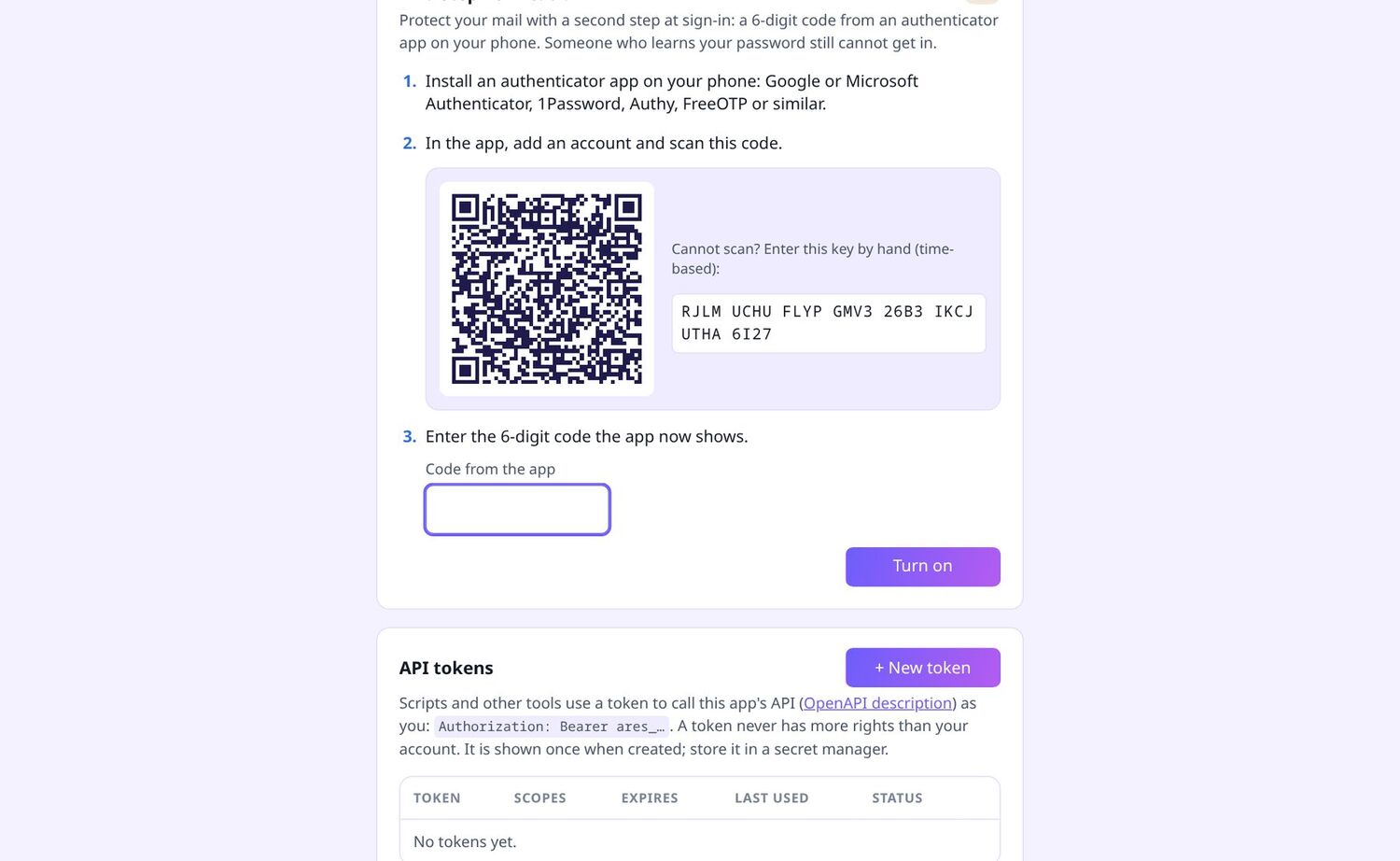
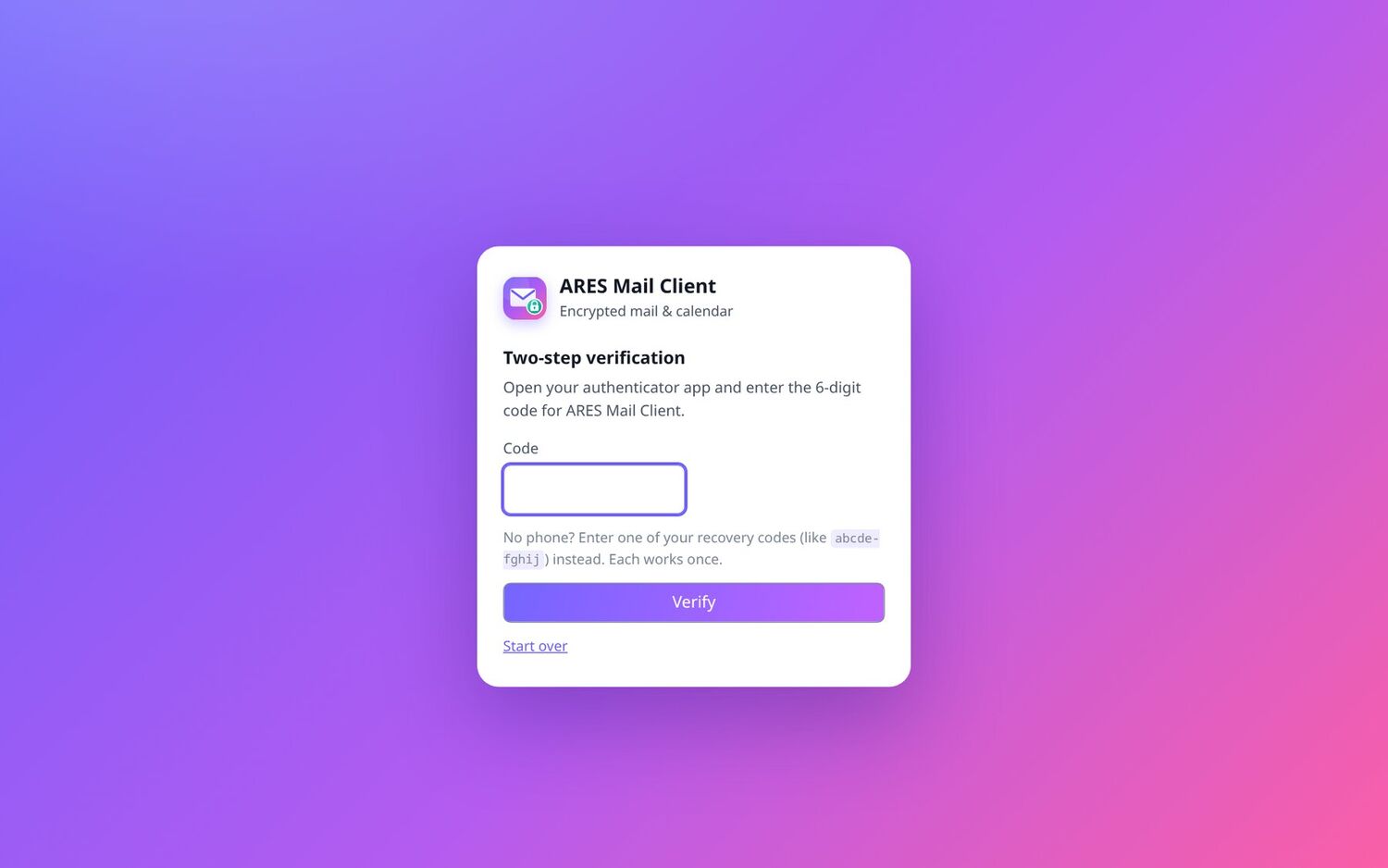
A 6-digit code from an authenticator app after the password, with ten one-time recovery codes. Optional, or required for everyone by an administrator.
Three roles
User and Advanced user work with their own mail, calendars and contacts (2 GB and 5 GB of space); Administrator also manages the app, without a storage limit.
Lockout
Repeated wrong passwords lock the account or the address for 15 minutes; every attempt is in the audit log.
Private by design
Nobody, administrators included, can read another person's mail through the app.
See it with your own mail
Try the demo with sample data, or request a demo and a trial with your own accounts.